
Gmail
Polished email replies without leaving compose.
Use your own API key on macOS, Windows, iOS, and Android — or run Local AI on supported Windows and Apple Silicon Macs. Both no-subscription routes use a one-time use.fo license; BYOK provider usage may still cost extra.
DOWNLOADNo-subscription routes
BYOK works across four platforms but may incur third-party usage charges. Local AI processes on supported desktops after setup. Windows users can compare both paths before downloading.

Keyboard intelligence
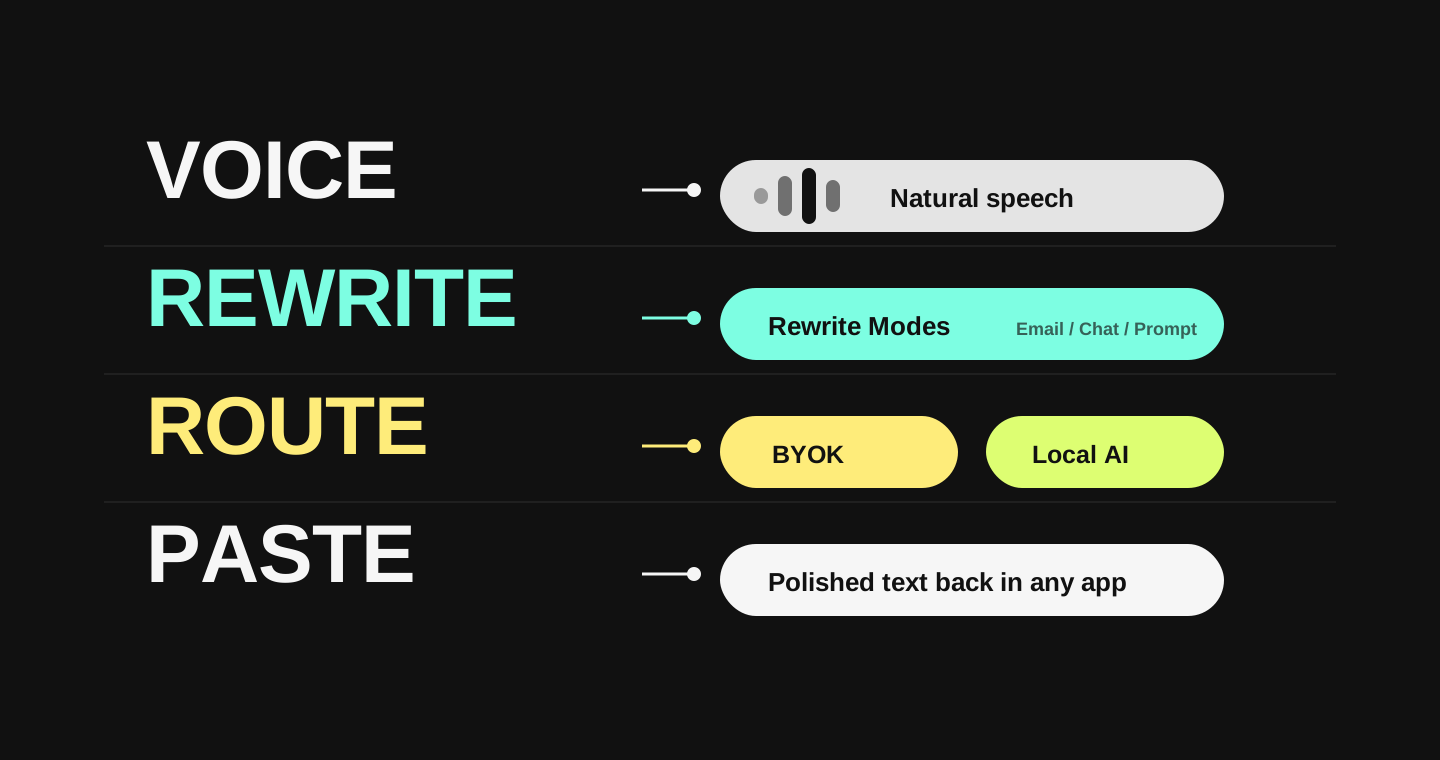
Say it out loud. Choose the mode. Get text that actually sounds right-already in your app.
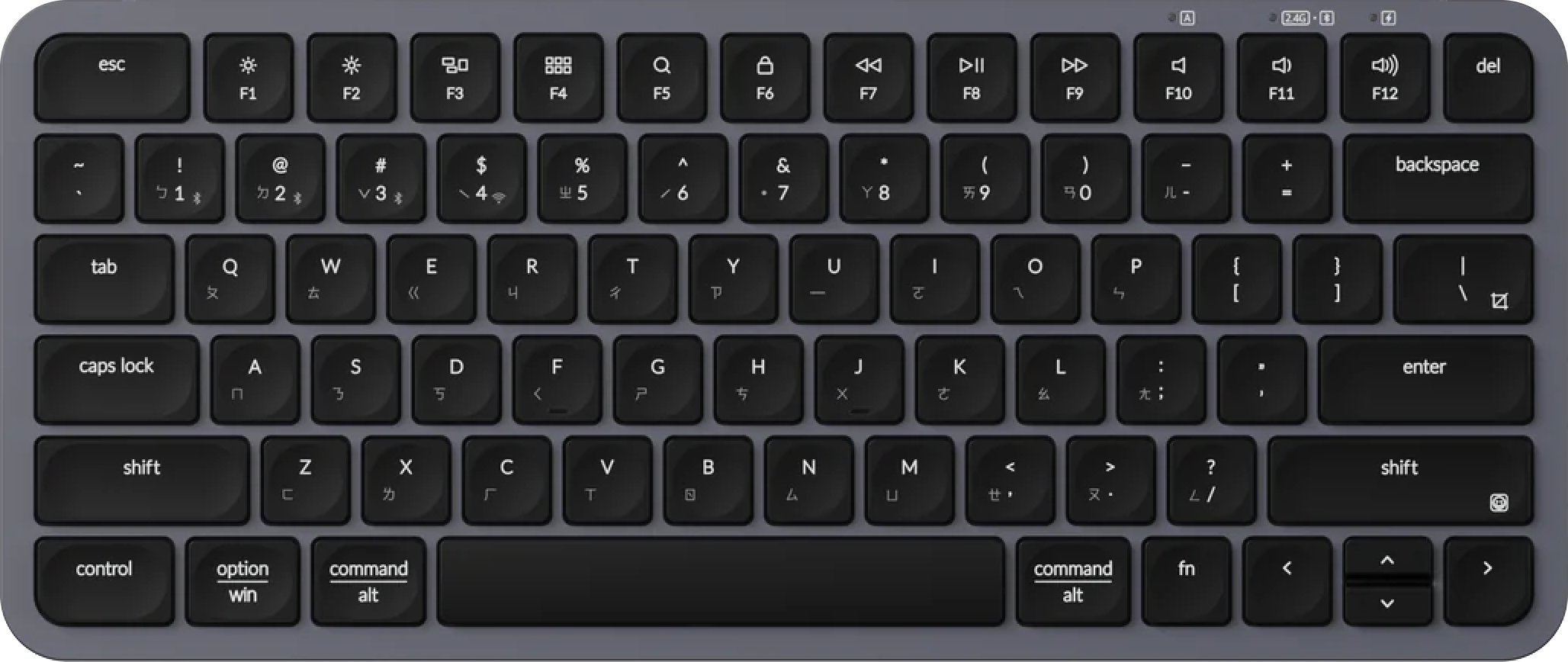
Hold your trigger key, speak, and use.fo pastes polished text back into your current text field.
Polished email replies without leaving compose.
Long-form drafts from natural speech.
Meeting notes, specs, and summaries.
Clear work chat without overthinking tone.
Any text box where your cursor lives.
Better prompts with more spoken context.
Structured requests from rough thoughts.
Voice-to-command for development workflows.
Comments, commits, snippets, and prompts.
How it works
Set a recommended key or record your own custom shortcut for desktop and mobile flows.
Command mode
Hold a hotkey, speak your full thought or command, and use.fo turns it into a precise, structured prompt - ready for Cursor, Claude, ChatGPT, or any AI tool.
Rewrite modes
Rewrite Modes - Email, Work Chat, Social, Translate, Prompt, Command, Image Prompt, Video Prompt, and more - each tuned so your output lands the way you intended.
Snippet library
Save your best outputs as snippets. They sync across devices via your own Google Drive - so your strongest writing is always one tap away. Supported on macOS, iOS, and Android.
Designed for real work
use.fo fits into your daily apps and workflows, ensuring your speech is processed efficiently and pasted with perfect formatting.
Email sounds professional. Work stays concise. Social reads naturally. Each mode is tuned so your output lands the way you intended.
Speak, rewrite, and send-all without leaving your current app. Less context switching means less mental overhead and more done.
Save your best outputs as snippets. Each one is an asset-reusable, refinable, and synced to your Google Drive so nothing good is ever lost.
use.fo is built for people who want more than transcription. Built-in dictation is fine for short casual messages. use.fo is better when you need polished output, provider control, local processing, or daily cross-app voice typing.
Privacy & Security
You choose your route. use.fo does not store audio, transcripts, or rewrite data, and does not use them for training.
Your audio and text go to the selected API endpoint (mainly Groq) for processing. use.fo does not store audio, transcripts, rewrite input, or rewrite output. Provider-side retention follows that provider's own policy.
Content goes directly from your device to your chosen provider endpoint and never passes through use.fo servers. use.fo is only contacted for license verification, sync, and downloading optimised prompts.
After license verification and model download, your voice and text are processed entirely on your device. User content does not leave the device. Only device and license information is sent to use.fo servers for binding and verification.
Google Drive Sync uses Google App Data scope - use.fo reads and writes only to its own app-specific data area. Provider keys are encrypted and stored locally on the device.
Use cases
From code reviews to client emails, support tickets to class notes, use.fo turns rough speech into clear writing for the way you work.
Turn brain dumps into clear PRDs, email drafts, and product updates.
See workflowsDevelopersSpeak context into Cursor, Claude, terminal commands, and code comments.
See workflowsCreatorsCapture scripts, hooks, and drafts before the creative spark fades.
See workflowsSupportReply faster without sounding rushed or robotic.
See workflowsStudentsTurn spoken notes into study-ready summaries and outlines.
See workflowsLawyersDraft notes, memos, and client emails for review.
See workflowsAccessibilityReduce typing load while keeping output clear.
See workflowsSalesCapture follow-ups, CRM notes, and client replies by voice.
See workflowsPricing
What users say
This is honestly the best AI productivity product I've used since ChatGPT. The way it cleans up raw speech into perfect text feels like pure magic.

Compare use.fo with Wispr Flow, Superwhisper, Apple Dictation, and Windows Voice Typing for someone who wants AI voice typing across macOS, Windows, iOS, and Android, with BYOK, desktop Local AI / Local STT, Rewrite Modes, and one-time purchase options.
Speak once. Send polished writing everywhere.